Welcome to QuiltCat
QuiltCat helps you design a patchwork block or a whole quilt before you start sewing. Choose prepared blocks or create your own, try different layouts and compare color combinations. You can also assign photographs of your fabrics to see how the materials work together.
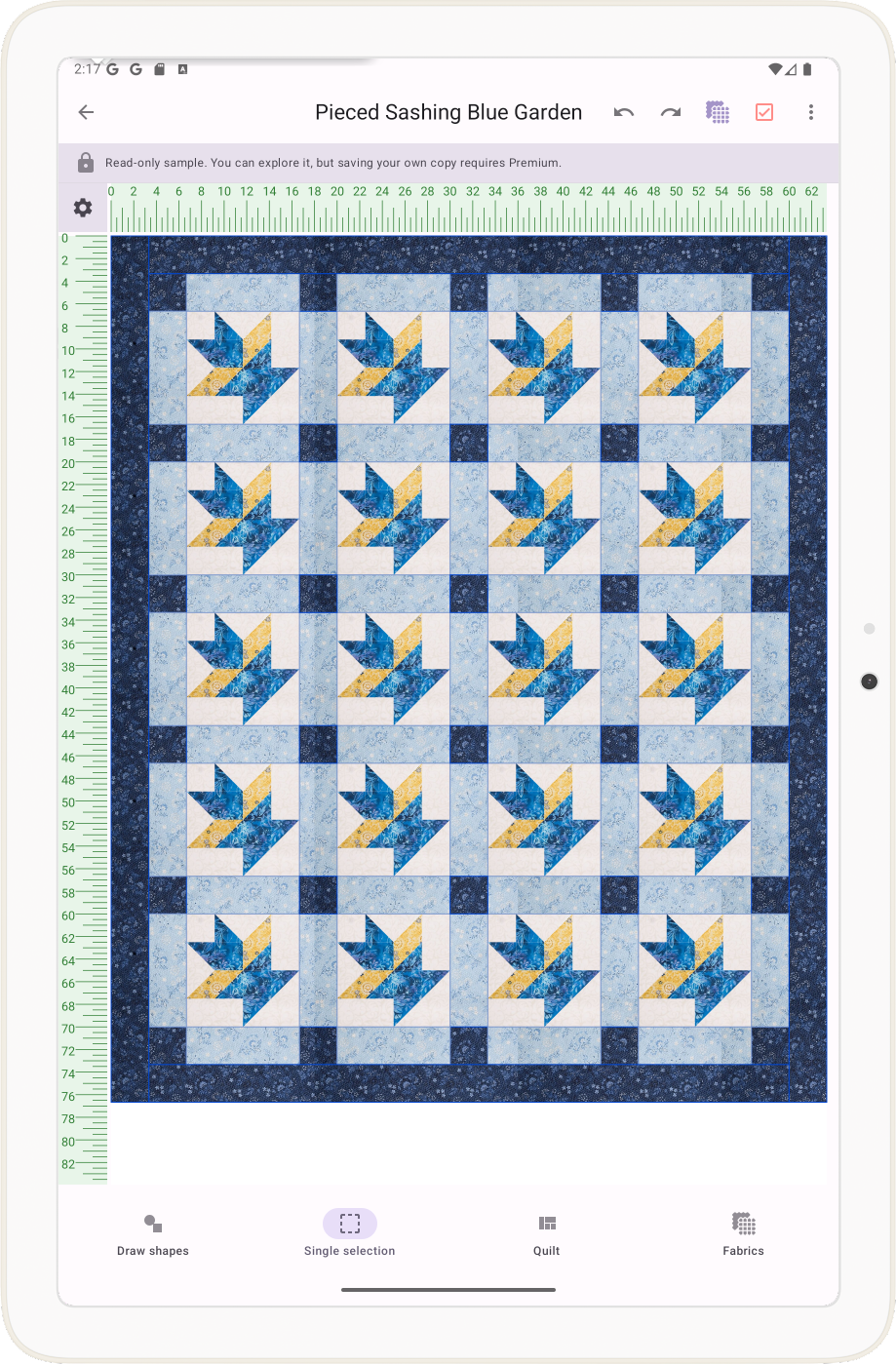
A quilt design with your own fabrics. Try combinations before cutting.
For a detailed tour of the opening screen, see Home screen.
First steps
Start with a quilt template and try changing colors or fabrics to transform its appearance.
- Create a new quilt from a template. In Studio, choose Quilt from Template and tap a layout card in the template gallery. The template provides a starting point you can adapt.
- Try color combinations. Change design colors and watch the overall effect. Start with one strong color and a few quieter shades.
- Assign your fabrics. In Fabrics, assign photographs to individual colors and view their combination throughout the quilt. You can leave this step until later and work with colors for now.
- Save your design. Use the save action in the editor's top bar so you can return to your design later.
Prefer to draw your own pattern? Start with a new block, then use the saved block in a quilt.
How it works
Block
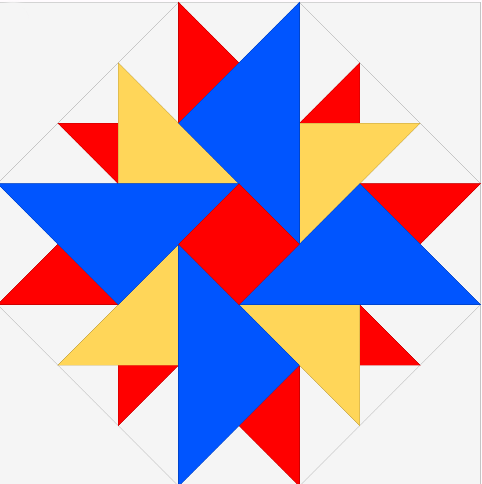
A block is a smaller patchwork pattern made from individual patches. Use a prepared block or draw your own. Repeating the same block in a quilt, rotating it or changing its colors can create different patterns.
Quilt
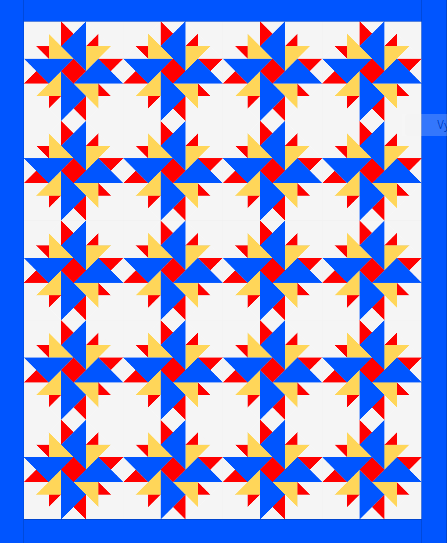
A quilt is the whole design, showing blocks and their layout together. Combine different blocks, add your own shapes and see how the parts work as a whole.
Colors and fabrics
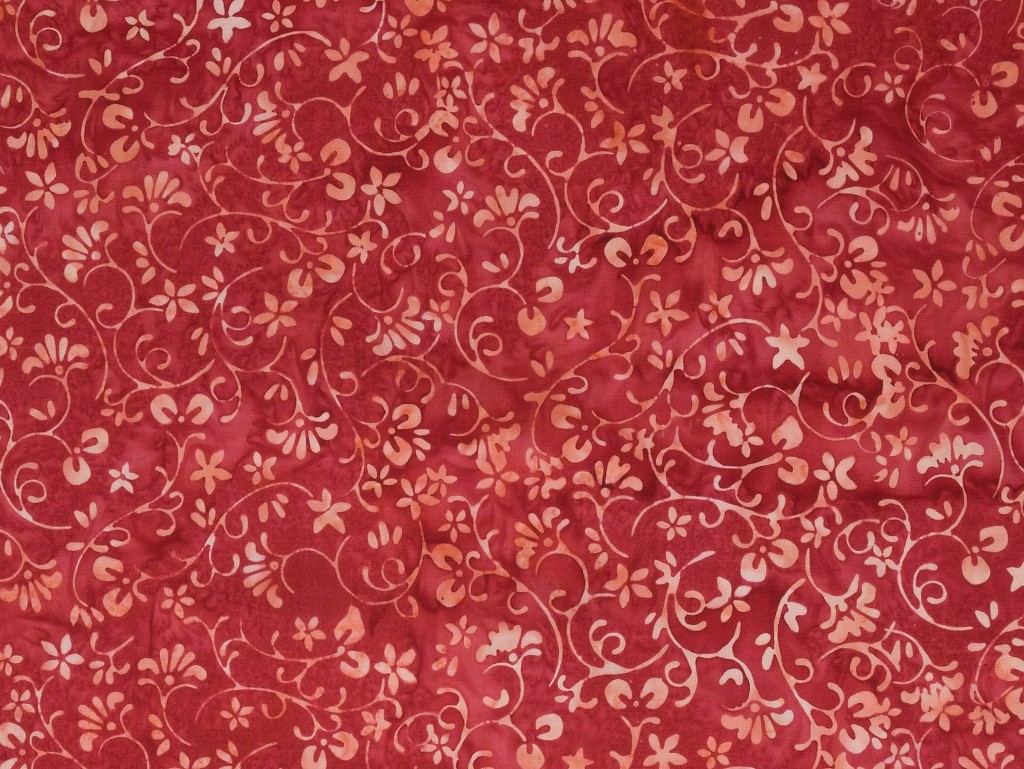
When designing a block, use colors to distinguish parts of the pattern. Once you arrange blocks in a quilt and begin choosing fabrics, assign fabric photographs to individual colors. The color design becomes a preview using actual materials, whose combinations you can try before cutting.
Manage your fabrics in the Fabric stash and add an individual fabric with the fabric form. Before taking photographs, read How to prepare a fabric photo, which also explains print scale.
Older projects in Archive
Projects from earlier versions are in Archive, with separate galleries for blocks, quilts and fabrics. Open and reuse them there. Create new designs in Studio.